

Step-By-Step on making your Golfboard your own
I’m not blowing smoke when I say that the Steelhead Golfboard might be one of my favorite things about playing golf right now that is not actually playing golf. I LOVE mine! They’re insanely fun to drive between shots, very simple to pilot, and it never fails to just make me happy in the simple joy of zooming down the fairway.
The Golfboard is available at the Steelhead main store, on the Second Life marketplace, or the TrueGolf pro shop at your favorite golf course. It runs L$750, but I hear there’s a blog that sometimes gives them away. (Details at the end!)
Something I didn’t expect, however, is how much I’m enjoying making my Golfboard my own. And, perhaps even more surprising, how simple it is.
I’ve never tried any sort of written/illustrated instruction manual type thing for Second Life before, but if you own a golfboard, you owe it to yourself to make it yours!
So…here goes!

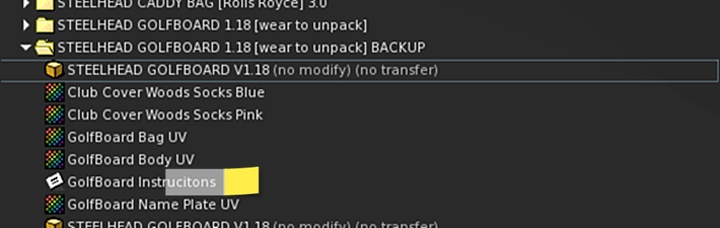
The first thing I’d recommend would be have a good read through the instruction notecard that comes with your Golfboard. It includes instructions, directions for doing some color alteration, and how to adjust your standing position on the board.
With just Chelsea’s very thorough instructions, I was able to go from the out of the box model to this in just a few minutes:

This retains the kind of molded-plastic look of the fenders and gives you no end of color control. If this is what you want to do, you’re done! Tell Chelsea Malibu thank you! 😉
However, if you want to do a little more with it, I’m going to do a step-by-step of how to change the look of your bag, give you A LOT of control over the look of your fenders, AND even put a cute little image on your personal plate.
Please keep in mind, I am by no means an expert in doing this kind of thing in SL. I learned to do this through some very kind help from my partner, Sam Daltrey, my friend Melodie and A LOT of trial and error. You might know a better way, and, if so, give me a shout!
I decided I wanted to make a fun pink golfboard that would work well with the Pinky Swear golfbag. The first step I took was finding a cool texture I liked. In this case I went with a Candy Pink Flake PBR texture I found on the marketplace for L$10. This was from JubJubs Stuff store on the Second Life MP. They have over 300 different PBR textures all for just L$10 each.
Before starting, I’d make a copy of your golfboard folder and rename it something like GOLFBOARD BACKUP. That way, if something goes south on you, you don’t have to go through the redelivery process.
So, let’s rez the golfboard out of the box and get started.
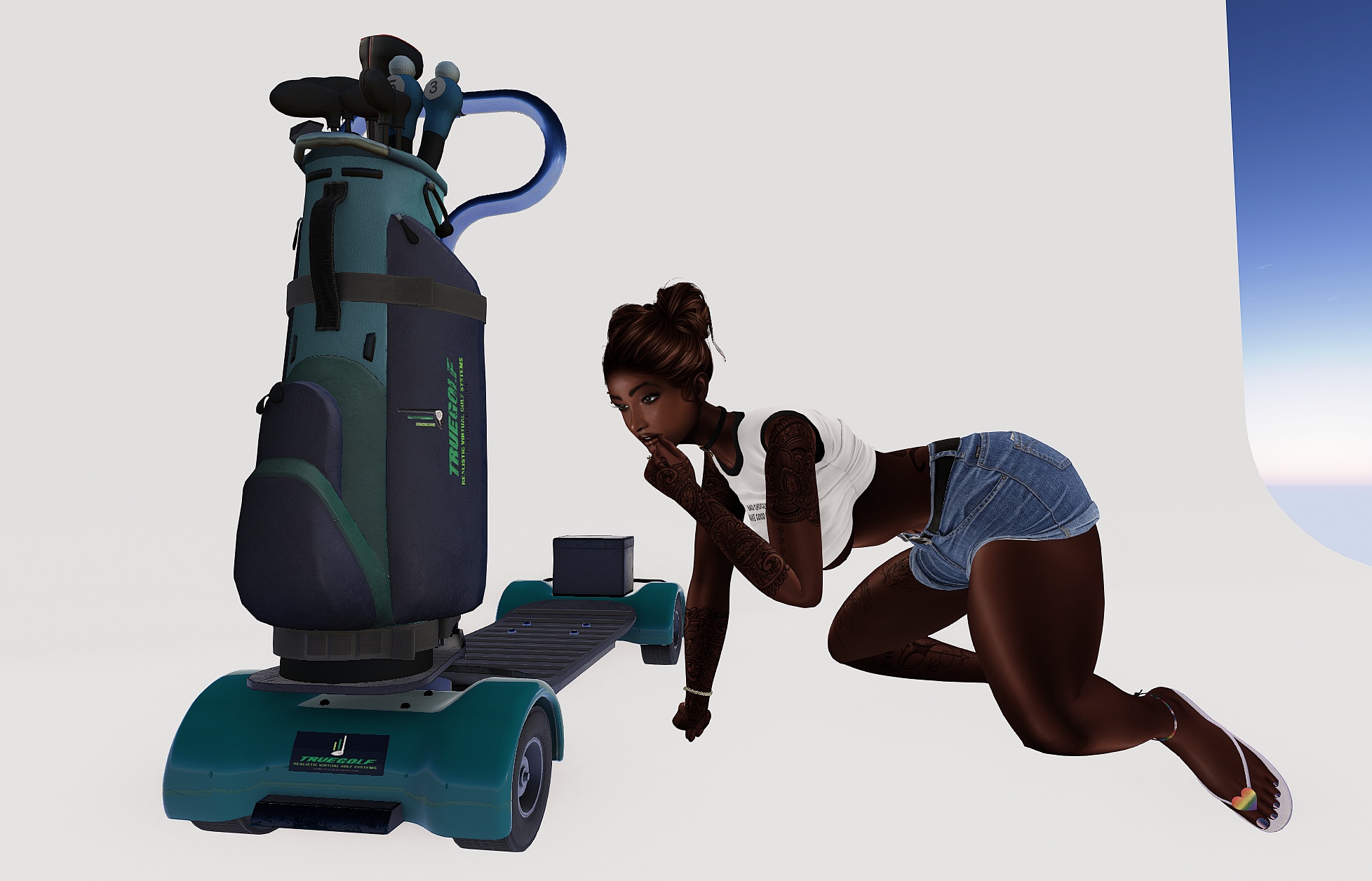
After unpacking my delivery from the marketplace, I have a new folder in my inventory. For our purposes, I’m just interested in one object in the folder.

I’m going to drag and drop that item right onto the teal fender of the golfboard. The color came out a bit more purple than I was expecting, but I still think it looks awesome. I love the shine and metallic elements to the texture.

That said, I think the difference in color between that vibrant purple and the Pinky Swear bag on my in-progress golfboard is going to be visually displeasing. Let’s try a different one…maybe the Blanco bag?

The first thing we’re going to do is take the item ba_body_blanco_2D_View (the name will depend depending on the bag, but it should have the word body in it). We’ll drag-and-drop that right over onto the body of the bag.

Definitely starting to come together! Next step, we take the bag_body_inserts blanco_2D_View (it’ll have a different name depending on the bag) and we’re going drag-and-drop this on the bag. And now…

You can see the inserts have been re-colored from blue to white, and I’m pretty happy with this! Just one more step.

You could go ahead and leave the TrueGolf plate on there, but I think it’s a lot more fun to customize it. It’s the same kind of process. Find the texture you want and drag-and-drop it right on the plate.

I’m going to call this one done! I picked it up and renamed it GOLFBOARD – HOT PURPLE
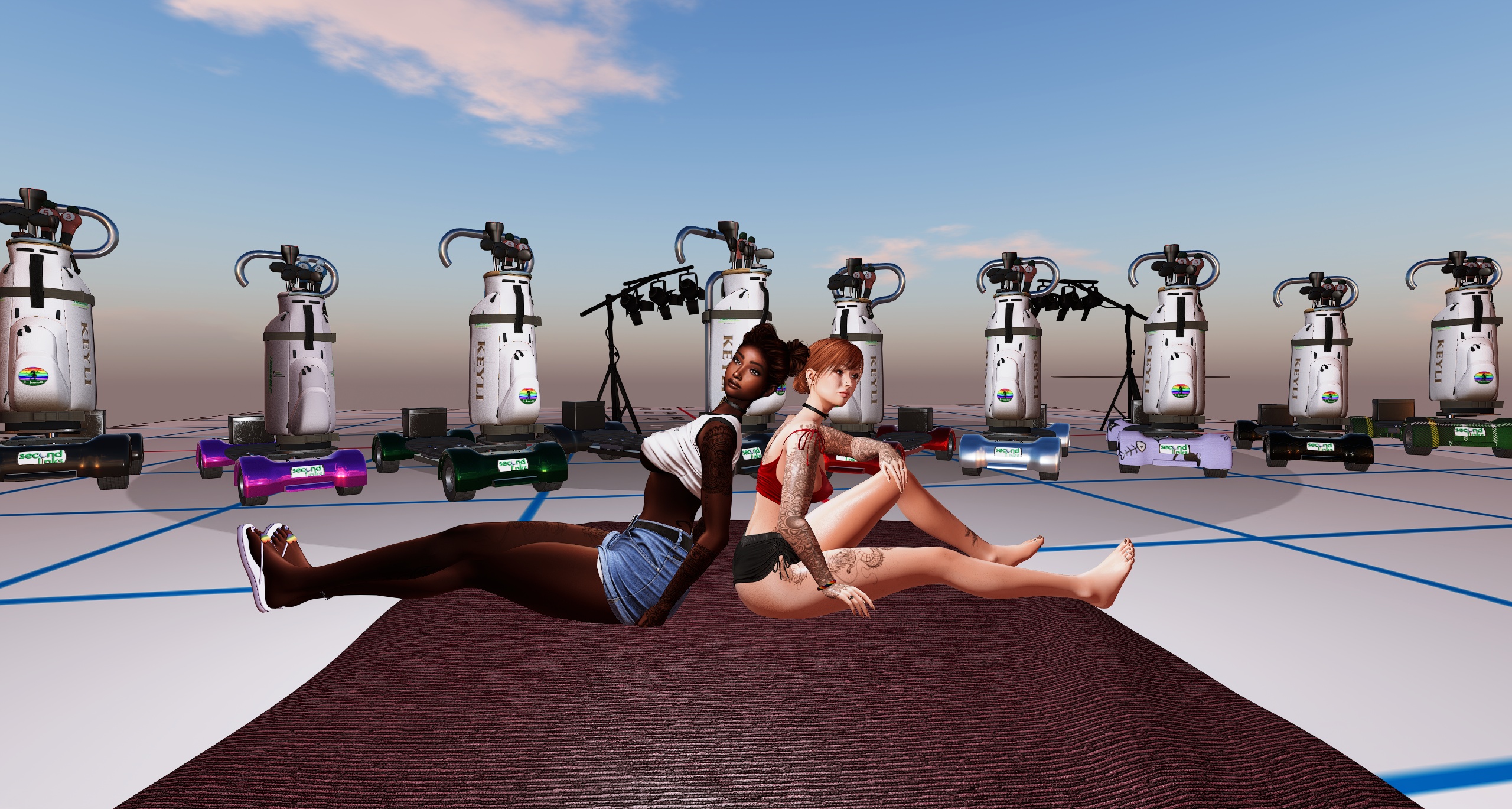
Although…if you’re anything like me…you’re not done. Because you need more! The golfboard is copy, so make yourself a fleet of them! Make one for every season! Make one for the holidays! Make one with cats on it! PBR textures are so inexpensive that you may as well have some fun making your golfboard yours. I can’t wait to see what you come up with!
What??? You don’t have a golfboard? You should win one, and I can help with that! Go check out the post ‘From Casual to Competitive’ and leave a comment at the bottom. I’m going to pick a comment at random on February 16 and that lucky person will win their choice of a Steelhead Golfboard or a L$500 Steelhead/TrueGolf gift card.





 The Second Links Traveler
Leave a comment